
Psycho-Sleuth Accessibility and Difficulty Options Explained
A rundown of the accessibility and comfort features Psycho-Sleuth lists on Steam: adjustable difficulty, untimed and own-pace play, keyboard-only and mouse-only input, color alternatives, volume controls and stereo sound.

Is Psycho-Sleuth Accessible?
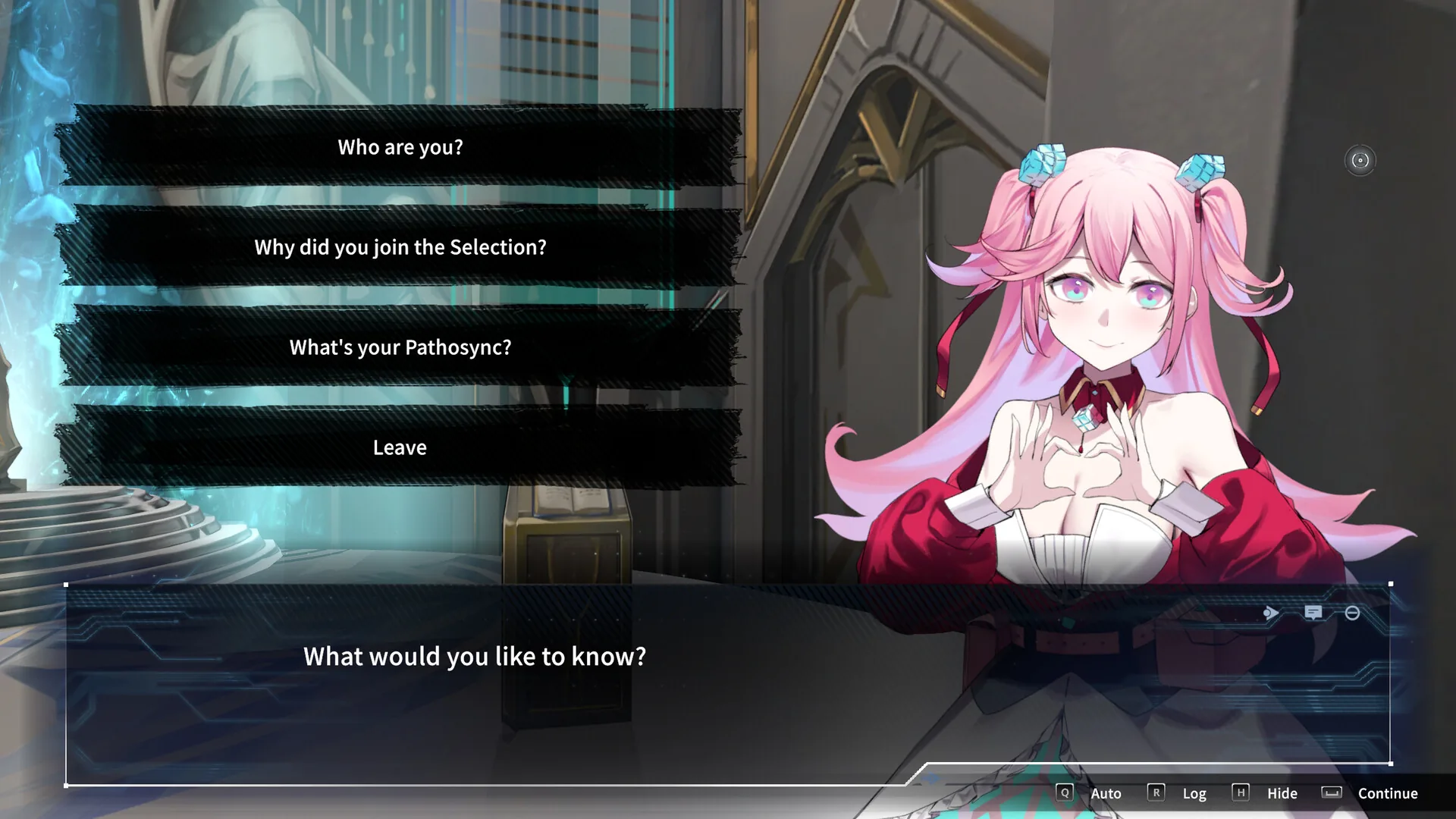
The game includes a broad set of comfort and input options. The Steam store page lists Adjustable Difficulty, Keyboard Only Option, Mouse Only Option, and Playable without Timed Input, alongside Full controller support, Save Anytime, Color Alternatives, Custom Volume Controls, Stereo Sound, and Subtitle Options. Together these suggest you can play without fast reflexes and with the input device you prefer, though the store listing does not explain how each option works in practice.
Difficulty and Pacing
Adjustable Difficulty confirms that some kind of difficulty setting exists, but the official materials do not spell out how many presets there are or exactly what they change. The official description calls Debate Mode a test of "logic, instincts, and time management," so it is reasonable to expect the setting to soften that pressure — but treat that as an educated guess, not a documented fact.
Timed Input and Debate Mode
On paper, this looks contradictory: the official description emphasizes quick, "fast-paced" debate battles, yet the game also carries the Playable without Timed Input feature and the #category_playable_at_your_own_pace tag. In practice, those indicate the game can be experienced without reaction-speed checks, even if the default presentation feels urgent. Nothing in the official store description explains how that is configured, so the details are worth checking once you have the game open.
Input Flexibility
Keyboard Only Option and Mouse Only Option are listed as separate features, which means neither device is mandatory. Full controller support is also listed on the store page, and a September 17, 2026 Steam announcement states that controller support is now live and the game is fully compatible with Steam Deck. Between keyboard, mouse, and gamepad, the game covers all three common control schemes.
Visual and Audio Comfort
Color Alternatives are listed for players who need a different palette. The system requirements list a recommended resolution of 1920x1080 in both the minimum and recommended tiers, which is a useful baseline to know when setting up the game. On the audio side, Custom Volume Controls and Stereo Sound are both listed, and Subtitle Options are available for dialogue-heavy scenes. Save Anytime also means you can step away mid-case without losing progress, which helps if you play in short sessions.
One note on pricing: Green Man Gaming lists the game at $19.99 with a 10% discount, while the Steam listing gives a US store price of $17.99.
What Is Not Confirmed
The official feature list does not mention features such as a screen reader, text-to-speech, or full narration of interface text, so it is worth verifying in-game whether those tools exist. The number of difficulty presets is also unconfirmed, and the listing gives no detail on what Color Alternatives covers. The official store description does not go into that level of detail, so it is safest to check once you have installed it.
Related guides
Related Guides
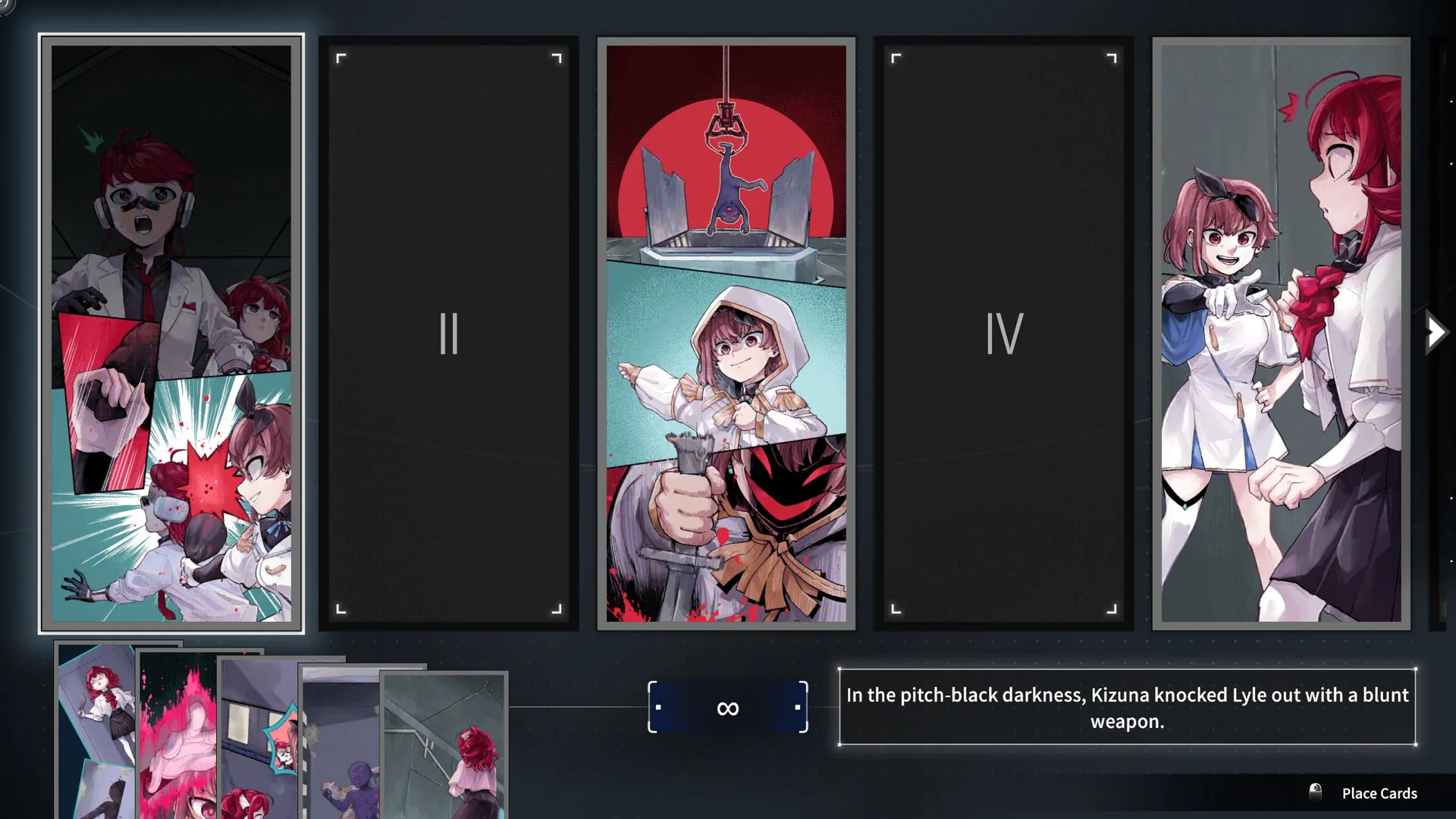
Psycho-Sleuth Demo: What's Included and Is It Free?
The Psycho-Sleuth demo is free and stays on Steam after launch. See which chapters it covers, what changed in the polished build, and why it's worth replaying.
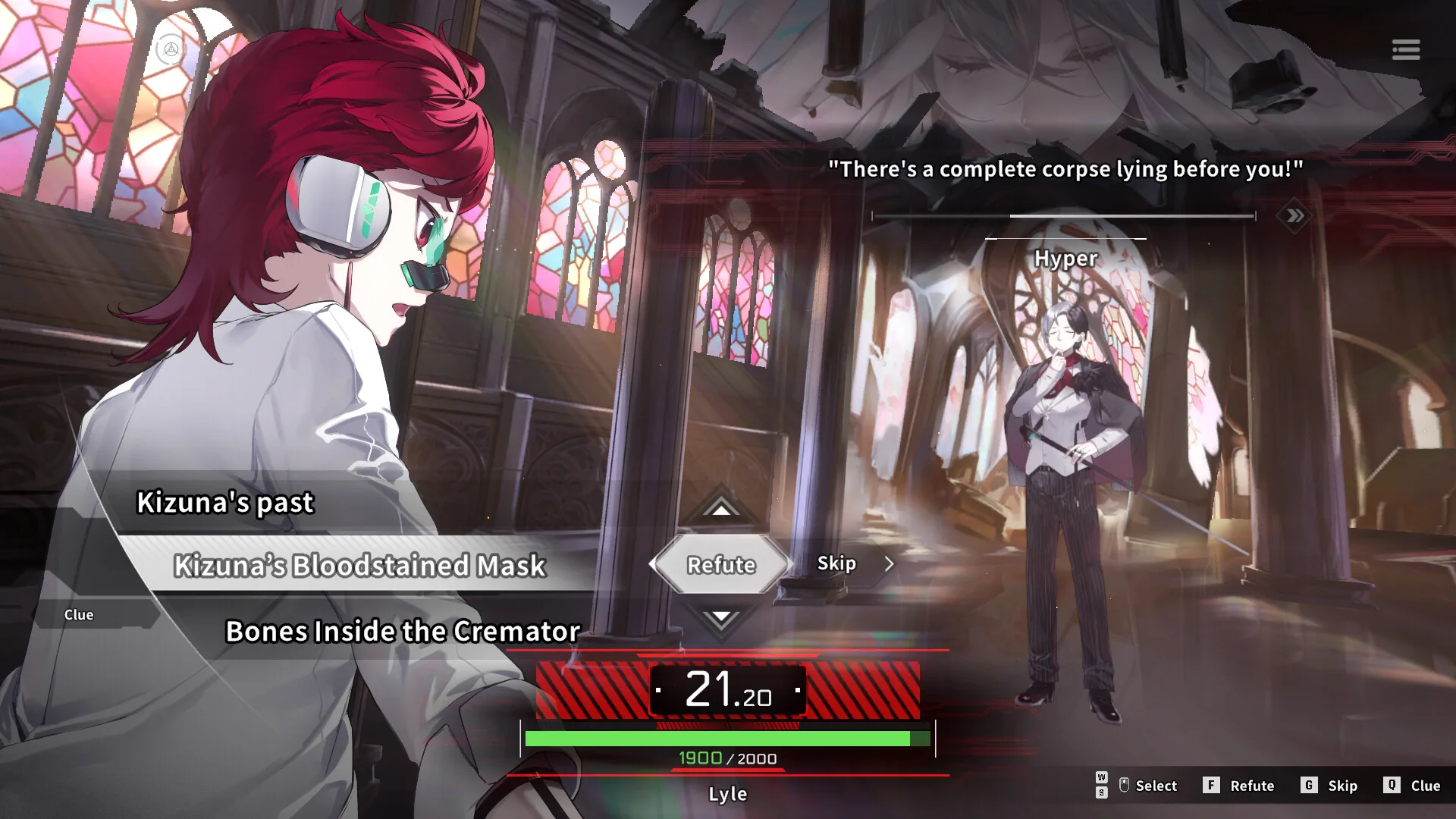
Psycho-Sleuth Tips for New Detectives: 7 Things to Know
Practical Psycho-Sleuth tips: how to read distorted crime scenes, handle debate timers, use save-anytime, and avoid missing evidence in early chapters.
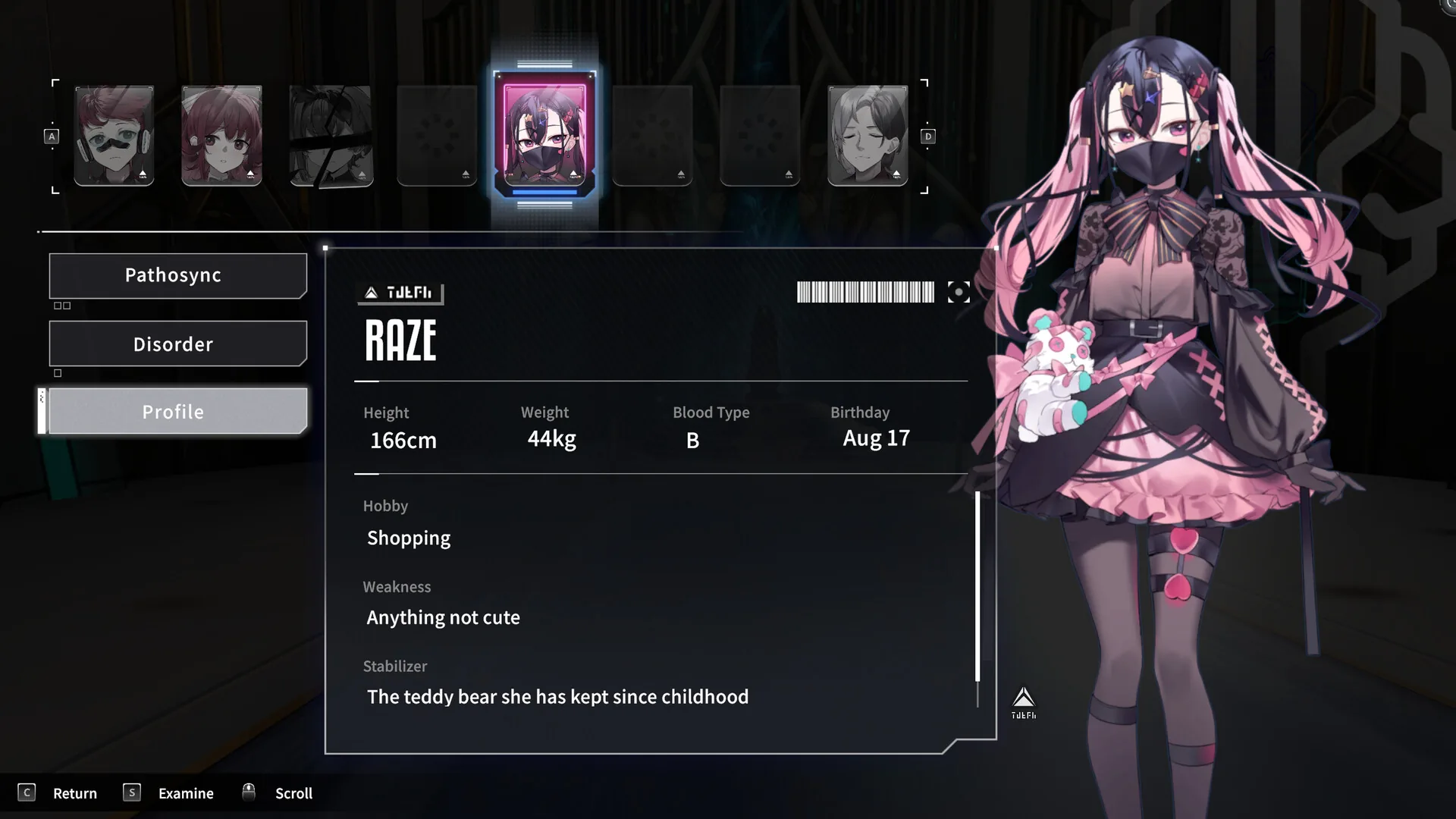
Psycho-Sleuth Wiki and Community Resources Worth Using
Looking for a Psycho-Sleuth wiki? These Steam Community, Discord and fan-run hubs are where players piece together characters, clues and theories.